
Calculations follow commonly used HSE practices. Always confirm with your organization’s definitions and local regulations. References: OSHA 1904, ISO 45001, ILO OSH.
The Permit to Work Generator enables safety professionals to create work permits efficiently in 5 steps — covering hazard identification, LOTO, approvals, and documentation.
Permit Inputs
Fill sections below, preview, and export to PDF.
Project / Site
Load Template
Templates pre-fill relevant hazards, controls, PPE, isolations and gas tests (if applicable).
Note: What you need to prepare
- Work scope, exact location, and boundaries.
- Team members, supervisor, issuer/approver details.
- Isolation plan (electrical, mechanical, fluid, energy sources) and LOTO points.
- Hazards & specific controls (engineering, admin, PPE).
- Gas test results (for hot work / confined space) with instrument ID and times.
- SIMOPS conflicts and emergency arrangements.
Permit Details
Checklists
PPE Required
Isolations / LOTO
Gas Test
Hazards & Controls
| Hazard | Control / Precaution | Responsible | Remove |
|---|
SIMOPS & Emergency
Notes
Signatures (Names only)
Permit-to-Work (PTW)
Generated preview — review and export to PDF
Generated On
Permit No.: —
Work Type: —
Scope: —
Project / Site: —
Client: —
Location: —
Requestor: —
Supervisor: —
Issuer: —
Approver: —
Valid From: —
Valid To: —
Status: Open
Ensure all isolations, controls & PPE are in place before work.
PPE Required
Isolations / LOTO
Hazards & Controls
| Hazard | Control / Precaution | Responsible |
|---|
SIMOPS / Interface Controls
—
Emergency Arrangements
—
Additional Notes
—
Signatures (Names only)
Issuer (Permit Authority)
—
Receiver (Supervisor)
—
HSE Witness (optional)
—
📝 Permit to Work Generator – Complete Guide
A Permit-to-Work (PTW) system is a formal written procedure that ensures potentially hazardous work is properly authorized, documented, and controlled before it begins. PTWs are vital in industries like oil & gas, construction, power plants, and manufacturing, where multiple contractors and activities overlap.
By clearly defining scope, hazards, controls, and responsibilities, a PTW acts as a safety contract between the work crew and the issuing authority. Our Permit to Work Generator Tool makes this process digital, structured, and exportable as a PDF — ensuring compliance with OSHA, ISO 45001, ILO, and corporate HSE standards.
✅ What Is a Permit-to-Work (PTW)?
A Permit-to-Work is a documented authorization that specifies:
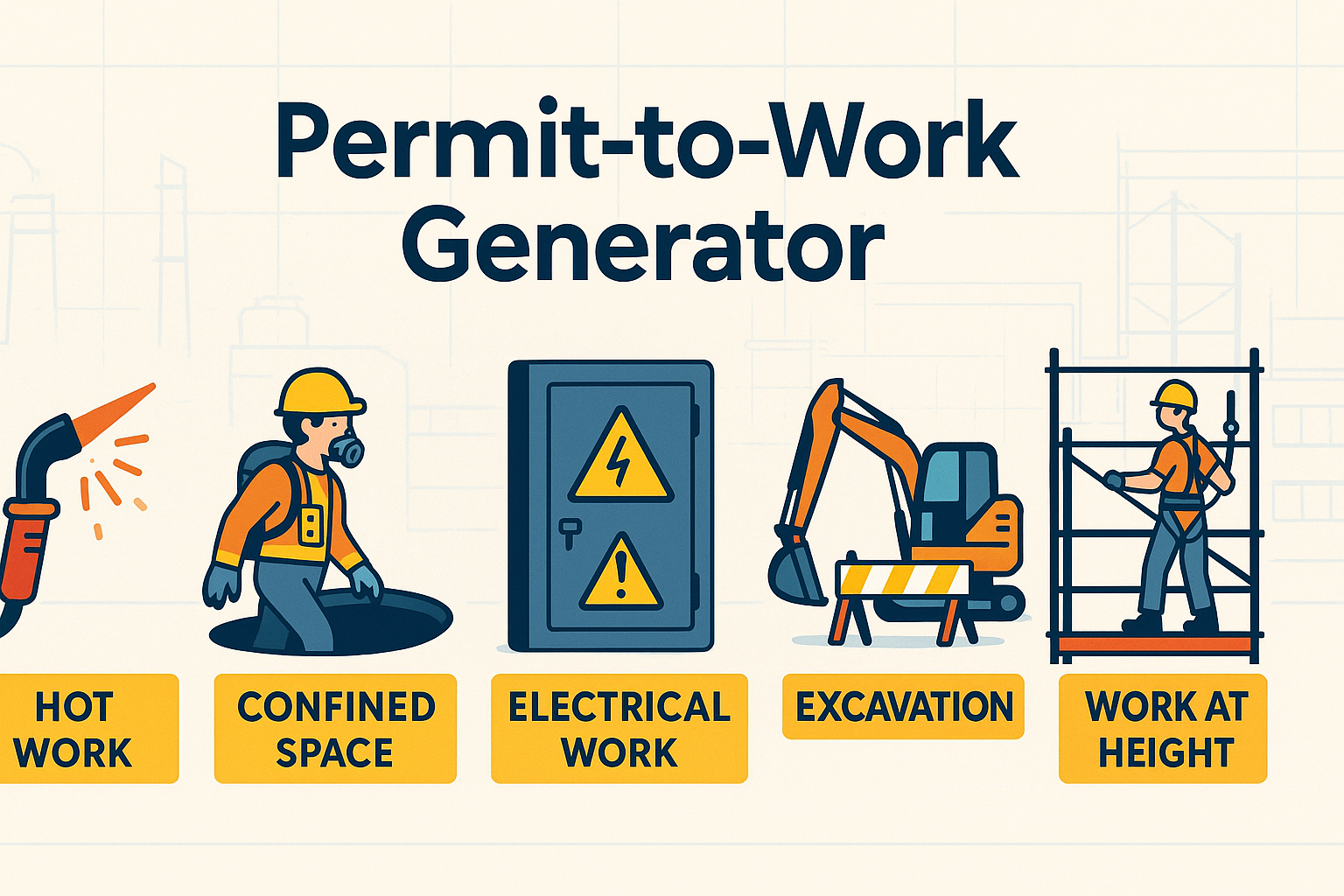
- Type of work (Hot Work, Confined Space, Electrical, Excavation, Work at Height).
- Job details (title, location, validity period).
- Hazards & controls to be applied.
- Isolation/LOTO requirements (lockout, tagging, gas testing).
- Authorized persons (issuer, receiver, crew).
- Signatures confirming understanding and accountability.
⚠️ Note: A PTW complements, but does not replace, detailed risk assessments (HIRA/JSA) and safe work procedures.
📋 Key Components of a PTW
A well-designed PTW should include:
- Job Details → Title, location, permit number, requested by, validity period.
- Hazards & Controls → Identified risks and corresponding mitigation.
- Isolation / LOTO → Electrical, mechanical, hydraulic, pneumatic isolation.
- Permit-Specific Requirements → Depending on type of work (Hot Work, Height, Electrical, Excavation, Confined Space).
- Gas Test (if Confined Space) → O₂, LEL, H₂S, CO readings.
- Authorized Persons → Workers, supervisors, permit authority.
- Signatures → Issuer, receiver, HSE witness.
🛠 How to Use the Permit to Work Generator
- Select Permit Type → Choose Hot Work, Confined Space, etc.
- Fill Job Details → Title, location, start & end time, requested by.
- List Hazards & Controls → Enter site-specific hazards and mitigation.
- Complete Isolation / LOTO → Check applicable lockout measures.
- Apply Permit-Specific Requirements → Hot Work → fire watch; Confined Space → gas test; etc.
- Add Authorized Persons → Name, role, company.
- Sign Off → Enter issuer, receiver, witness names.
- Validate & Export → Run validation → Download A4 PDF report with auto permit number and QR placeholder.
💡 Pro Tip: Use digital PTWs to avoid paperwork errors, ensure traceability, and speed up compliance audits.
📊 Example Usage for Permit to Work Generator
Example 1 – Hot Work Permit
Findings: Gas cylinders not properly secured.
👉 Action: Secured cylinders with chains, tested for leaks, fire watch assigned.
Example 2 – Confined Space Entry
Findings: O₂ at 18.5% (below safe threshold).
👉 Action: Ventilation applied until O₂ reached 20.9%. Entry postponed until clearance.
Example 3 – Electrical Permit
Findings: No arc-rated PPE available for switchgear maintenance.
👉 Action: Delayed work until PPE was issued; PTW revalidated.
📌 Why Is a PTW Important?
✔ Ensures hazardous work is controlled.
✔ Provides documented accountability.
✔ Prevents accidents from overlapping activities.
✔ Meets legal compliance with OSHA/ISO/ILO standards.
✔ Strengthens the safety culture across contractors & employees.
🏢 Real-World Applications
- Construction Projects → Hot work, excavation, lifting operations.
- Oil & Gas Facilities → Confined space entry, line breaking, electrical isolation.
- Factories/Plants → Machine maintenance, welding, painting, shutdown activities.
- Power & Utilities → Electrical switching, tower climbing, live-line work.
🔍 Common Mistakes in PTWs
❌ Treating PTWs as mere paperwork.
❌ Failing to validate hazards & controls.
❌ Allowing work to proceed with expired permits.
❌ Not updating PTW when conditions change.
❌ Lack of coordination between multiple permits (e.g., hot work & confined space together).
📌 Best Practices
✔ Digitize PTWs with auto validation & PDF reports.
✔ Customize templates per permit type & industry.
✔ Train all supervisors & contractors on permit rules.
✔ Use color coding & QR tracking for better visibility.
✔ Review permits daily and close them properly after work.
❓ Frequently Asked Questions (FAQ)
Q1: Who issues a Permit-to-Work?
→ Typically, a Permit Authority (PA) or supervisor authorized by the company’s HSE policy.
Q2: How long is a PTW valid?
→ Usually one shift (8–12 hrs), extendable upon review.
Q3: Is a PTW mandatory for all tasks?
→ No, only for hazardous or high-risk activities defined by company rules.
Q4: Can a PTW be reused?
→ ❌ No, each PTW is job-specific, time-bound, and must be reissued if conditions change.
🎯 Final Thoughts
A Permit-to-Work (PTW) is not just a form—it is a safety passport for hazardous jobs. By using our Permit to Work Generator, you can:
✔ Create structured permits in minutes.
✔ Validate inputs automatically.
✔ Export A4-compliant PDF reports.
✔ Ensure traceability with auto permit numbers & QR placeholders.
💡 Pro Tip: Always integrate PTWs with HIRA, JSA, and LOTO systems for a complete safety management framework.
👉 [Explore All Tools Here]
👉 [Open HIRA Generator]
👉 [Open JSA Generator]
External Links: