
Calculations follow commonly used HSE practices. Always confirm with your organization’s definitions and local regulations. References: OSHA 1904, ISO 45001, ILO OSH.
Report Inputs
Fill sections, use a template if needed, preview, and export to PDF.
Project / Site
Load Template
Templates pre-fill typical counts and text to guide new users.
Formula Help (KPIs)
- TRIR (Total Recordable Incident Rate) = (Recordables × 200,000) / Man-hours
- AFR (per 1M) = (Recordables × 1,000,000) / Man-hours
- FR (LTI per 1M) = (LTI × 1,000,000) / Man-hours
- SR (Severity per 1M) = (Days Lost × 1,000,000) / Man-hours
Adjust the multiplier if your organization uses a different base.
Man-Hours & Summary
HSE Activities (Counts)
Monthly Status of Manpower
Tip: If you’ve entered “Man-Hours (This Month)” above, you can leave “Total Man-hours — This Month” blank.
Monthly Accident Report
| Description | This Month | Cumulative |
|---|---|---|
| 1. Total Number of Accidents | ||
| a) Reportable Accidents | ||
| b) Minor Accidents | ||
| c) First-aid cases | ||
| d) Near Miss Incidents | ||
| 2. Man-days lost due to accidents |
HSE Events & Logs
| Date | With (Whom) | Remove |
|---|
| Date | No. of Persons | Remove |
|---|
| Date | Topic | Participants | Remove |
|---|
| Date | Topic | Participants | Remove |
|---|
| Date | Discussion Points | Status | Remove |
|---|
Highlights & Notes
Authorization
Monthly Safety Report
Generated preview — review and export to PDF
Generated On
Project / Site: —
Client: —
Location: —
Reporting Month: —
Prepared By: —
KPIs auto-calculated. Verify man-hours and counts.
Man-Hours (Month)
0
Recordables (TRC)
0
TRIR (per 200k)
0
AFR (per 1M)
0
FR (LTI per 1M)
0
SR (Severity per 1M)
0
HSE Activities (Counts)
| Activity | Count |
|---|
Monthly Status of Manpower
| Metric | This Month | Cumulative |
|---|---|---|
| Manpower (Avg.) | 0 | 0 |
| Total Man-days | 0 | 0 |
| Total Man-hours | 0 | 0 |
Monthly Accident Report
| Description | This Month | Cumulative |
|---|---|---|
| 1. Total Number of Accidents | 0 | 0 |
| a) Reportable Accidents | 0 | 0 |
| b) Minor Accidents | 0 | 0 |
| c) First-aid cases | 0 | 0 |
| d) Near Miss Incidents | 0 | 0 |
| 2. Man-days lost due to accidents | 0 | 0 |
HSE Events & Logs
HSE Committee Meeting
Date: —
HSE Walks
| Date | With (Whom) |
|---|
HSE Induction Training
| Date | No. of Persons |
|---|
Toolbox Talk Training
| Date | Topic | Participants |
|---|
HSE Training
| Date | Topic | Participants |
|---|
HSE Meeting (MOM)
| Date | Discussion Points | Status |
|---|
Key Highlights / Initiatives
—
Concerns / Actions
—
Authorization
Prepared by
—
Reviewed by
—
📊 Monthly Safety Report Generator – Complete Guide
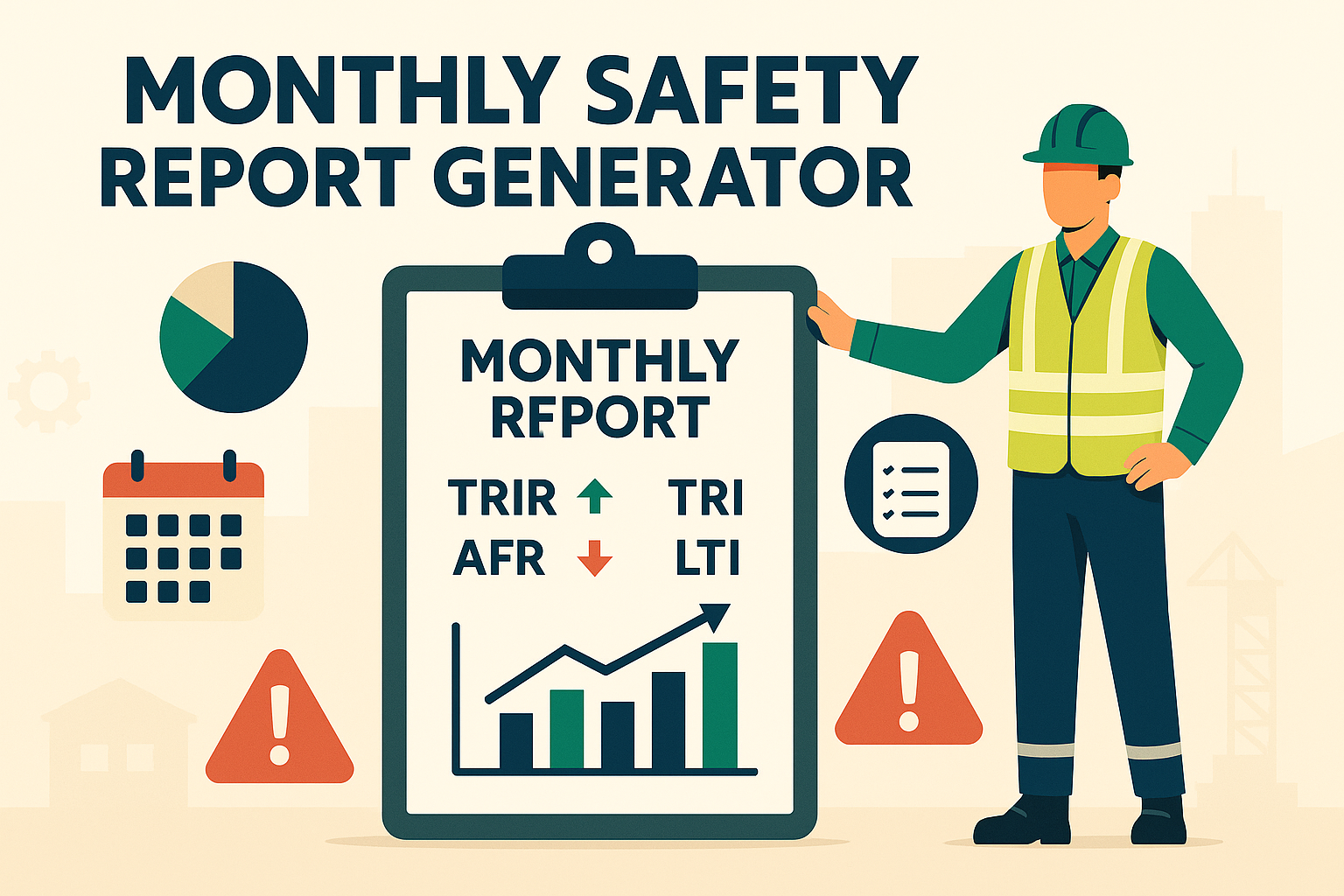
Safety performance is best measured consistently. While daily reports capture site-specific updates, a Monthly Safety Report consolidates key safety data, KPIs, incidents, training, audits, and CAPA status into one document for leadership review, compliance, and continuous improvement.
This report not only provides a snapshot of organizational safety health but also aligns with international standards like OSHA, ISO 45001, ILO, and client contractual requirements.
✅ What Is a Monthly Safety Report?
A Monthly Safety Report is a structured document summarizing safety activities, performance indicators, and compliance updates for a given month.
It typically covers:
- Work Hours & Manpower → Total hours worked across sites/projects.
- Incident Breakdown → TRC, LTI, Lost Days, Near Misses, First Aid, Fatalities.
- KPIs → TRIR, AFR, ASR, FAR (calculated as per standard denominators).
- Top 5 Risks → Emerging or recurring high-risk categories.
- Training Conducted → Toolbox talks, inductions, drills.
- Audits & Findings → Safety audits, inspections, and results.
- CAPA (Corrective & Preventive Actions) → Status of open, closed, and overdue actions.
- Highlights → Achievements, milestones, or safety campaigns.
⚠️ Note: Monthly reports provide summarized data and trends but do not replace detailed incident investigation reports or JSA/HIRA records.
📋 Key Components of a Monthly Safety Report Generator
- General Data
→ Month, year, and total hours worked. - Incident Data
→ TRC, LTI, Lost Days, First Aid, Near Misses, Fatalities. - KPIs & Calculations
→ TRIR, AFR, ASR, FAR (using standard bases like 200,000 or 1,000,000 hours). - Top 5 Risks
→ Priority risks identified during the month. - Training Records
→ Safety inductions, toolbox talks, specialized trainings, and emergency drills. - Audits & Inspections
→ Number of audits, key findings, and closure rates. - CAPA Summary
→ Open, closed, overdue actions with progress details. - Highlights & Notes
→ Safety milestones, zero-injury records, campaigns.
🛠 How to Use the Monthly Safety Report Generator
- Fill Inputs
→ Enter month, hours worked, and incident breakdown. - Auto-Calculate KPIs
→ Tick “Auto-calc KPIs” to generate TRIR, AFR, ASR, FAR instantly. - Enter Training, Risks, and CAPA
→ Record qualitative and quantitative safety progress. - Generate Preview
→ Report formats into A4-friendly cards & tables. - Export PDF
→ Click Download PDF to save or share with clients/auditors.
💡 Pro Tip: Customize rate bases (TRIR base, AFR base, etc.) to match your company or client’s calculation standards.
📊 Example Usage
Example 1 – Construction Project
- Hours Worked: 24,000
- Incidents: 2 TRC (1 FA, 1 NM)
- TRIR: 1.67
👉 Action: Conducted targeted training on working at height.
Example 2 – Factory Plant
- Hours Worked: 18,240
- Incidents: 0 LTI, 0 FA, 3 NM
- ASR: 0.00 (safe month)
👉 Action: Reinforced hazard reporting campaign.
Example 3 – Oil & Gas Project
- Hours Worked: 42,000
- Incidents: 1 LTI (5 days lost), 1 FA
- AFR: 0.24
👉 Action: Enhanced lifting safety training & CAPA monitoring.
📌 Why Is a Monthly Safety Report Important?
✔ Consolidates safety performance into a single monthly snapshot.
✔ Ensures compliance with OSHA/ISO/ILO reporting standards.
✔ Helps track trends and leading indicators.
✔ Supports management reviews and contractor evaluations.
✔ Provides documented proof for clients, regulators, and audits.
🏢 Real-World Applications
- Construction Projects → Monthly safety summary for client submission.
- Factories & Plants → Reporting to corporate EHS dashboards.
- Oil & Gas / Energy → Client-mandated KPI-based safety performance reports.
- Corporate Safety → Consolidated reporting for multiple business units.
🔍 Common Mistakes in Monthly Safety Reports
❌ Entering incorrect denominators for TRIR/AFR calculations.
❌ Failing to capture all hours (contractor + subcontractor).
❌ Treating it as a paperwork exercise instead of a performance tool.
❌ Missing CAPA progress, leading to repeated findings.
📌 Best Practices for Effective Reports
✔ Always validate hours & denominator bases.
✔ Use graphs and tables for better communication.
✔ Highlight both lagging (incidents) and leading indicators (training, audits).
✔ Include short analysis of trends and preventive actions.
✔ Ensure timely submission to clients and leadership.
❓ Frequently Asked Questions (FAQ)
Q1: What denominator should I use for TRIR?
→ Commonly 200,000 (as per OSHA), but confirm with client/company standard.
Q2: Should contractors’ hours be included?
→ Yes, if they are part of the project workforce.
Q3: Can KPIs be auto-calculated?
→ Yes, if incident breakdown and hours are provided.
Q4: How long should the report be?
→ Typically 2–3 pages, concise yet comprehensive.
🎯 Final Thoughts
The Monthly Safety Report is not just compliance—it’s a leadership tool to monitor performance, drive accountability, and build a proactive safety culture.
With our Monthly Safety Report Generator, you can:
✔ Auto-calculate KPIs (TRIR, AFR, ASR, FAR).
✔ Summarize risks, training, audits, and CAPA.
✔ Export clean A4-ready PDFs.
✔ Standardize reporting across projects & sites.
💡 Pro Tip: Integrate with Daily Safety Reports, JSA, HIRA, and PTW systems for a full digital safety management ecosystem.
👉 [Explore All Tools Here]
👉 [Open HIRA Generator]
👉 [Open JSA Generator]
External Links: