
Calculations follow commonly used HSE practices. Always confirm with your organization’s definitions and local regulations. References: OSHA 1904, ISO 45001, ILO OSH.
Checklist Inputs
Fill the form, preview, and export to PDF.
Session
Checklist Items by Category
Action Items (for any “Needs Action” rows)
| Action / Control Required | Owner | Due Date | Status | Remove |
|---|
Final Notes
Office Safety Checklist — Report
Generated preview — review and export to PDF
Generated On
Office / Building: —
Floor / Area: —
Conducted by: —
Date & Time: —
Department: —
Occupancy: —
Session Notes
—
Pass
0
N/A
0
Needs Action
0
Checklist Results
| Category | Item | Status | Notes / Controls |
|---|
Action Items
| Action / Control Required | Owner | Due Date | Status |
|---|
Final Notes
—
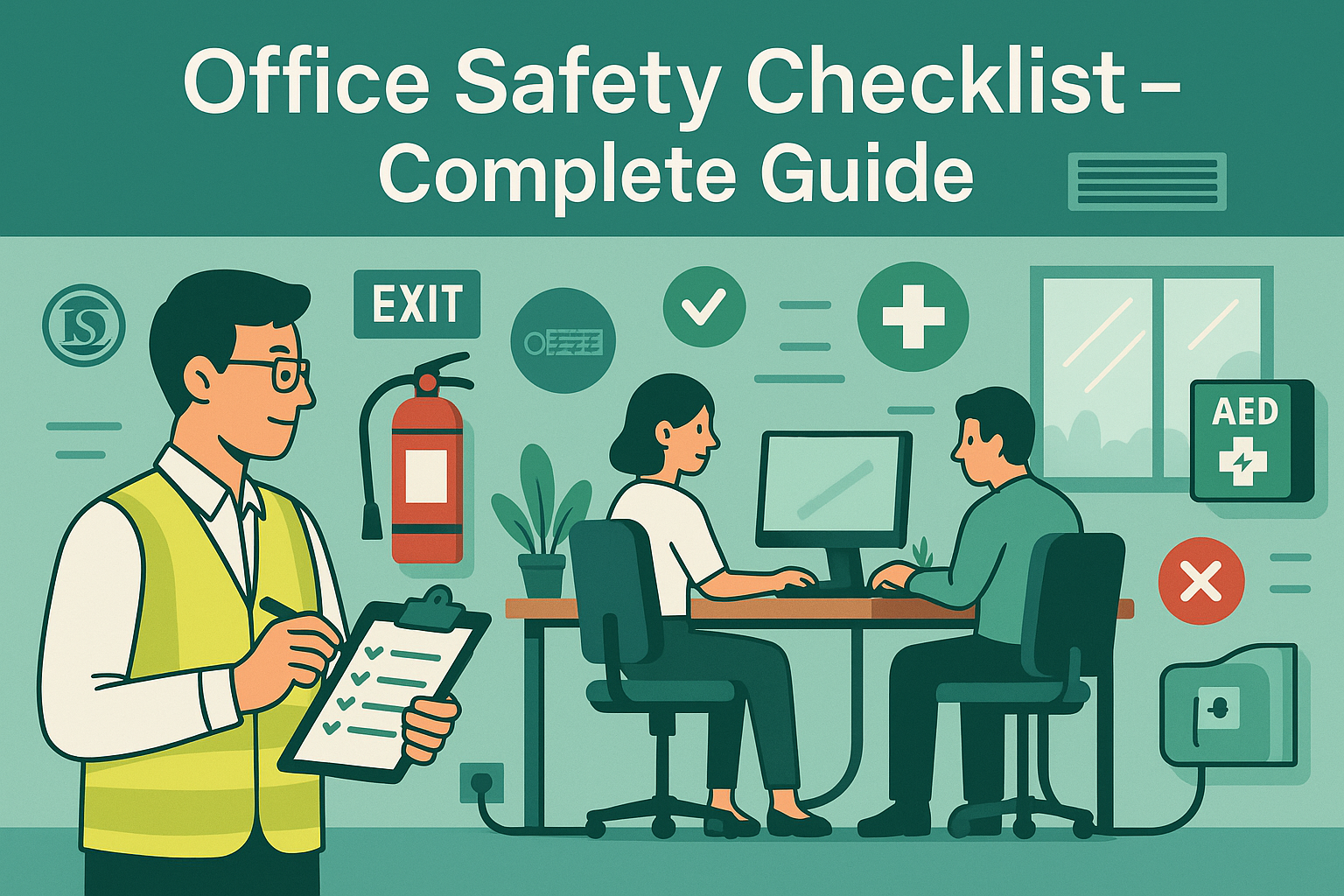
🏢 Office Safety Checklist – Complete Guide
While offices may seem low-risk compared to construction sites or factories, they present unique hazards—slips and trips, electrical issues, ergonomic problems, and fire safety lapses. These risks often go unnoticed because office work is routine, but they can lead to serious injuries, legal liabilities, and lost productivity.
An Office Safety Checklist is a structured inspection tool designed to ensure workplace safety in administrative, IT, and corporate environments. By using this checklist, organizations comply with OSHA, ISO 45001, ILO, and NFPA standards while maintaining a safe and healthy office environment for employees and visitors.
✅ What Is an Office Safety Checklist?
An Office Safety Checklist is a systematic inspection sheet used by safety officers, HR managers, or facility supervisors to verify that essential safety measures are in place.
It typically covers:
- Fire exits, alarms, and extinguishers.
- Ergonomics (desk setup, seating posture, screen height).
- Electrical safety (cords, outlets, overloaded plugs).
- Slips, trips, and fall hazards.
- First aid facilities and emergency preparedness.
⚠️ Note: A checklist is a monitoring tool—it does not replace risk assessments (HIRA/JSA).
📋 Key Components of an Office Safety Checklist
A complete checklist should cover these categories:
- Ergonomics → Proper desk height, screen alignment, adjustable chairs.
- Slips/Trips → Clear walkways, dry floors, non-slip mats.
- Electrical Safety → No overloaded sockets, cords secured, equipment tested.
- Fire Exits & Extinguishers → Accessible exits, functional alarms, serviced extinguishers.
- First Aid & AED → Stocked kits, trained responders, accessible AEDs.
- Housekeeping → Clutter-free spaces, waste bins emptied, no blocked exits.
- Storage/Racking → Secure shelves, heavy items stored low.
- Lighting & Ventilation → Adequate light, proper HVAC, no blocked vents.
- Welfare Facilities → Restrooms, drinking water, cafeteria hygiene.
- Visitor Safety → Reception sign-in, visitor badges, emergency orientation.
🛠 How to Use the Office Safety Checklist
- Fill in Details → Office/Building, Floor, Date, Assessor.
- Inspect Each Category → Mark ✅ Compliant or ❌ Needs Action.
- Add Notes → Record hazards, corrective actions, responsible person.
- Summarize Findings → Count Passed vs Needs Action.
- Download/Record → Save as PDF or log digitally for audits.
💡 Pro Tip: Digital checklists with auto-PDF export improve tracking and reduce paperwork.
📊 Example Usage
Example 1 – Corporate Office
Findings: Multiple extension cords under desks, blocked fire exit.
👉 Action: Installed additional outlets, removed obstructions, re-trained staff on emergency evacuation.
Example 2 – IT Office
Findings: Monitors not at eye level, leading to posture complaints.
👉 Action: Provided monitor risers, conducted ergonomic training.
Example 3 – Government Office
Findings: First aid box empty, no AED on site.
👉 Action: Restocked kits, installed AED, trained staff.
📌 Why Is an Office Safety Checklist Important?
✔ Ensures compliance with OSHA/ILO/ISO standards.
✔ Prevents accidents from common office hazards.
✔ Supports employee health, productivity, and morale.
✔ Provides a documented record for audits and inspections.
🏢 Real-World Applications
- Corporate Offices → Daily fire safety and ergonomics checks.
- IT/Call Centers → Monitoring of electrical load and workstation setups.
- Government/NGO Offices → Ensuring accessibility, welfare, and visitor safety.
🔍 Common Mistakes in Using Checklists
❌ Treating it as “tick-box” only without physical checks.
❌ Ignoring ergonomics and only focusing on fire safety.
❌ Not involving employees in reporting hazards.
❌ Outdated checklist that doesn’t reflect new risks.
📌 Best Practices for Effective Checklists
✔ Customize checklists for each office type (IT, corporate, government).
✔ Train assessors on proper inspection techniques.
✔ Include photographs of unsafe conditions for records.
✔ Assign corrective action deadlines and follow-up dates.
✔ Use digital tools for better analytics and compliance.
❓ Frequently Asked Questions (FAQ)
Q1: How often should office safety checklists be used?
→ Monthly for general areas, quarterly for detailed inspections.
Q2: Who is responsible for inspections?
→ Safety officers, facility managers, or HR managers.
Q3: Can digital checklists replace paper checklists?
→ Yes, digital tools enhance compliance tracking and storage.
🎯 Final Thoughts
The Office Safety Checklist is a preventive tool that helps organizations maintain a safe, healthy, and productive workplace.
By using our Office Safety Checklist Tool, you can:
✔ Conduct structured inspections.
✔ Generate auto-PDF reports for audits.
✔ Stay compliant with OSHA/ISO/ILO standards.
✔ Build a culture of workplace safety and wellness.
💡 Pro Tip: Always combine checklist inspections with HIRA, JSA, and PTW systems for a complete safety management framework.
👉 [Explore All Tools Here]
👉 [Open HIRA Generator]
👉 [Open JSA Generator]
External Links (authority references):