
Calculations follow commonly used HSE practices. Always confirm with your organization’s definitions and local regulations. References: OSHA 1904, ISO 45001, ILO OSH.
Inputs
Required fields are marked with *
—
| Trade / Category | No. of Workers |
|---|---|
| Total | 0 |
| Type of Permit | No. Issued | Remarks |
|---|
| Safety Equipment | Status (✓/✗) | Remarks |
|---|
Tip: Use bullet points. Keep incidents/NM factual. CAPA should include owner and target date in your weekly report.
📝 Daily Safety Report Generator – Complete Guide
A Daily Safety Report (DSR) is one of the most critical frontline HSE tools. It provides management, supervisors, and safety officers with a clear snapshot of daily activities, workforce strength, hazards identified, incidents, and corrective actions taken.
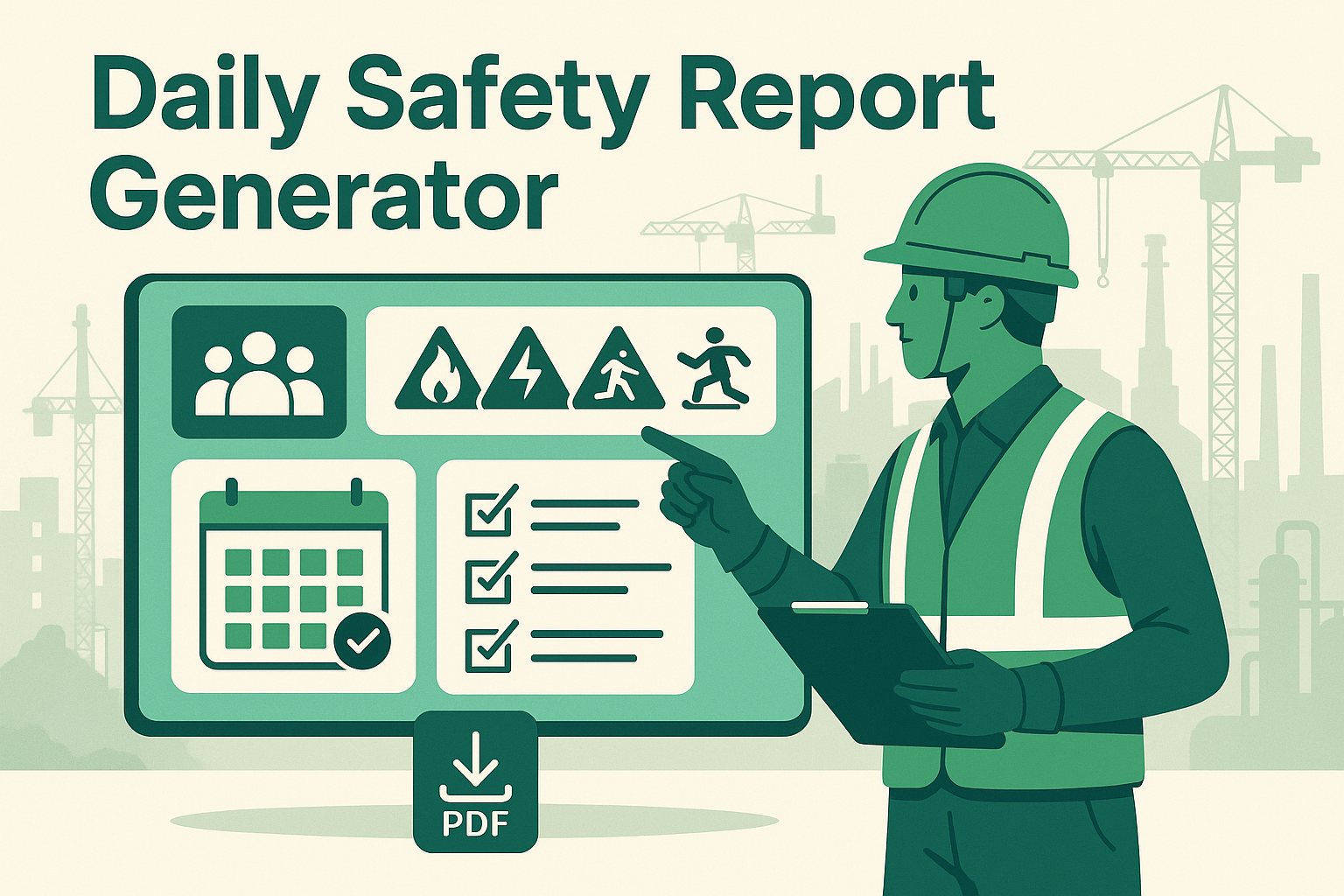
By using a Daily Safety Report Generator, safety teams can quickly enter data, load a work template, validate required fields, preview the formatted report, and export a professional A4 PDF—ensuring consistency, traceability, and compliance with HSE standards like OSHA, ISO 45001, and ILO guidelines.
✅ What Is a Daily Safety Report?
A Daily Safety Report is a structured record capturing:
- Site / Project details – site name, location, date, time window, and weather (all present in the form).
- Headcount & categories – manpower numbers by role (workers, supervisors, engineers, safety, drivers/operators, subcontractors, visitors) with auto-total.
- Permits issued – Hot Work, W@H, Confined Space, Electrical, Lifting, Excavation (with counts + remarks).
- Safety checks – PPE, fire extinguishers, first aid kit, emergency assembly area, signboards/barricades (status + remarks).
- Key activities – major operations performed during the shift (multiline text).
- Observations & hazards – unsafe conditions/acts noted during walkthroughs.
- Incidents / near misses – factual record of events (accepts “NIL” when applicable).
- Corrective / preventive actions – measures, owners, and target dates.
- Toolbox talk – topic, conducted by, participants, feedback.
- Prepared by – Safety Officer name, signature text, and date.
- Footer – generated timestamp is auto-filled on preview.
⚠️ Note: A DSR is not a substitute for incident investigation or risk assessment but complements them by capturing daily leading and lagging indicators.
📋 Key Components of a Daily Safety Report
General Information
→ Project/Site, Location, Date, Time From/To, Weather (all mapped to the top “Inputs” section).
Manpower & Hours
→ Role-wise counts with auto-total. (If you track hours separately, add it to Activities/Observations or include in a future field.)
Activities & Tasks
→ Major jobs performed (hot work, lifting, scaffolding, electrical, confined space, excavation, etc.). Use bullet points for clarity.
Observations & Hazards
→ Unsafe acts/conditions noted during rounds (multiline text).
Incidents / Near Misses
→ Clear, factual description of any events (or “NIL”).
Corrective & Preventive Actions (CAPA)
→ Action + Responsible Person + Target Date (enter in the CAPA field).
Footer
→ Date and time of report generation (auto in preview), plus Prepared By block (Name, Signature, Date).
🛠 How to Use the Daily Safety Report Generator
- Load a template (optional): Pick a scenario from “Load Example Template” (Hot Work, W@H, Confined Space, Scaffolding, Electrical, Excavation, Lifting) and click Load Template to auto-fill the form.
- Fill in details: Site, Location, Date, Time From/To, Weather. Enter manpower counts—Total is calculated automatically.
- Add work details: Activities, Observations/Hazards, Incidents/NM (use NIL if none), and CAPA (include owner + due date).
- Permits & Safety checks: Enter permit counts/remarks and update the safety equipment/compliance statuses (✓/✗).
Note: The PDF maps ✓/✗ to Yes/No for maximum font compatibility. - Toolbox Talk: Add Topic, Conducted By, Participants, and Feedback.
- Prepared By: Fill Name, Signature text, Date.
- Choose sections to include: Use the “Sections to include” checkboxes; you can also click Hide on any section header in the preview.
- Preview live updates: Click Preview to unlock the right panel. The formatted report updates automatically as you edit.
- Download PDF: Click Download PDF (top or bottom). A clean, vector-based A4 PDF is generated via jsPDF + autoTable.
💡 Pro Tip: Keep entries short and bulleted so they render neatly in both preview and PDF (especially in KPI cards and paragraphs).
📊 Example Usage for Daily Safety Report Generator
Example 1 – Refinery Project
Activity: Scaffolding erection at Bay-3; tagging after inspection.
Observation: Guardrails missing at 6 m platform; amber tag applied; access restricted.
👉 Action: Installed mid-rails; re-inspected and switched to GREEN tag. Toolbox talk held on working at height.
Example 2 – Construction Site
Activity: Hot work at storage tank (cutting/welding).
Observation: Sparks contained with screens; fire watch deployed; extinguishers in place.
👉 Action: Verified extinguisher readiness and extended fire watch 30 min post-work.
📌 Why Is a Daily Safety Report Important?
✔ Ensures hazards are tracked and acted upon daily.
✔ Provides management with a real-time safety snapshot.
✔ Helps track leading (observations, actions) and lagging (incidents) indicators.
✔ Serves as documentary proof during audits, inspections, and legal reviews.
✔ Strengthens safety culture by involving all stakeholders in reporting.
🏢 Real-World Applications
- Construction Projects → Track contractors, activities, daily safety status; capture permits like W@H, Lifting, Excavation.
- Oil & Gas Operations → Document Hot Work, Confined Space, Electrical permits and compliance checks.
- Factories & Plants → Record routine hazards and CAPA; log toolbox talks and manpower strength.
- Corporate Facilities → Daily logs for housekeeping, fire safety, first aid readiness, and signage/barricades.
🔍 Common Mistakes in Daily Safety Reporting
❌ Copy-pasting old reports without updating activities/permits.
❌ Recording “NIL” without genuine site observation.
❌ Vague CAPA without owner or target date.
❌ Not using section toggles—cluttered, unfocused reports.
❌ Ignoring preview validation errors before export.
📌 Best Practices for Effective DSRs
✔ Keep entries factual and concise (bullets > long paragraphs).
✔ Assign action owners and deadlines in CAPA.
✔ Use Templates to standardize wording for recurring work types.
✔ Toggle Sections to include for focused, shorter PDFs.
✔ Ensure every report is reviewed and signed (Prepared By block).
✔ Feed manpower counts into weekly/monthly dashboards to compute FR/TRIR.
❓ Frequently Asked Questions (FAQ)
Q1: How long should it take to prepare a DSR?
→ With the generator + templates, typically under 10 minutes.
Q2: Who should fill out the DSR?
→ Usually the HSE/Safety Officer, reviewed by the Supervisor/Manager.
Q3: Can it replace incident reports?
→ No. It complements but does not replace full investigation forms.
Q4: Is it mandatory?
→ Under frameworks like OSHA / ISO 45001, daily safety logs are a strong best practice and often contractually required.
🎯 Final Thoughts on Daily Safety Report Generator
The Daily Safety Report Generator is more than a form—it’s your daily safety pulse check.
By using this tool, you can:
✔ Capture workforce, hazards, permits, and CAPA every day.
✔ Standardize reporting across sites and contractors via Templates.
✔ Export professional, shareable PDFs instantly.
✔ Strengthen compliance and a proactive safety culture.
💡 Pro Tip: Use the Daily Safety Report alongside your HIRA, JSA, and PTW systems for a complete safety ecosystem. The code already includes template loading, section toggles, preview gating, and robust PDF export—just keep your entries clear and consistent.
👉 [Explore All Tools Here]
👉 [Open HIRA Generator]
👉 [Open JSA Generator]
External Links: