
Calculations follow commonly used HSE practices. Always confirm with your organization’s definitions and local regulations. References: OSHA 1904, ISO 45001, ILO OSH.
Job Safety Analysis Generator allows safety officers and supervisors to create structured JSAs quickly with hazards, controls, PPE, and PDF reports.
Job Meta
Fill job details and select a template to prefill common steps.
Click “Apply Template” to prefill rows.
| # | Job Step | Potential Hazards | Control Measures | Responsible Person | Actions |
|---|
Disclaimer: Edit templates to match your company procedure.
📑 Job Safety Analysis Generator – Complete Guide
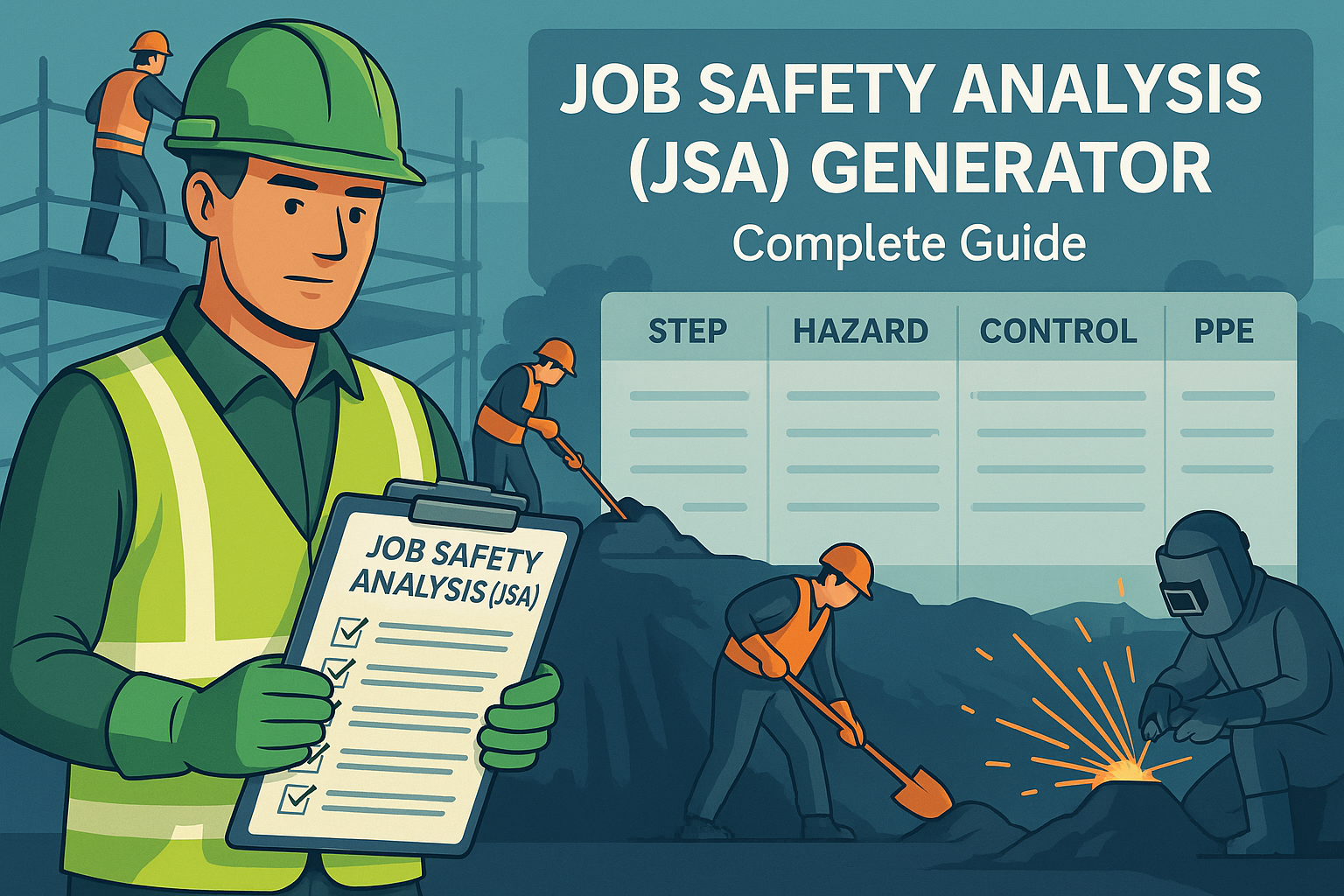
Every job task carries potential hazards—from excavation to scaffolding to hot work. A Job Safety Analysis (JSA) is a proactive method to identify risks in each step of a job, define controls, and assign responsibility.
By using a Job Safety Analysis Generator, safety officers and supervisors can create structured JSAs quickly, ensure hazards are identified before work starts, and maintain compliance with international standards like OSHA, ISO 45001, and ILO guidelines.
✅ What Is a Job Safety Analysis Generator?
A digital tool that lets HSE teams:
- Break down work into Job Steps
- Identify Potential Hazards for each step
- Define Control Measures (procedures, checks, PTW requirements, and PPE if needed)
- Assign a Responsible Person
- Preview the report and export a professional PDF (A4, vector, print-ready) with signature lines
⚠️ Unlike a generic checklist, a JSA is job-specific and must be reviewed before each task begins.
📋 Key Components of a JSA Generator
A well-structured JSA includes the following:
Job Meta
- Job/Task
- Site/Location
- Date
Templates (prefill common steps)
- Excavation • Scaffolding • Hot Work • Electrical Work • Confined Space Entry • Lifting Operations • Chemical Handling • Working at Height
Job Steps Table
- Job Step – brief action description
- Potential Hazards – credible risks per step
- Control Measures – procedures, isolations, checks, permits, and PPE (if required)
- Responsible Person – role accountable for implementing the controls
- Reorderable rows – move up/down to keep a logical sequence
Export & Records
- Preview → verify content and pagination
- Download PDF → clean A4 report with signatures
🛠 How to Use the JSA Generator
- Fill Job Details – enter Job/Task, Site, and Date.
- Select a Template – choose from the 8 built-in options or start blank.
- Add/Modify Steps – keep each step clear and action-oriented.
- Identify Hazards – list realistic, specific hazards for each step.
- Define Control Measures – include procedures, isolations, checklists, and any PPE needed.
- Assign Responsible Person – e.g., Supervisor, Foreman, Operator, HSE.
- Reorder & Finalize – use ▲/▼ to sequence steps logically.
- Preview – confirm layout and content.
- Download PDF – print, sign, and file for approval.
💡 Review JSAs daily or when conditions change (weather, location, crew, equipment).
📊 Example Usage
Excavation
- Job Step: Mark & barricade area
- Potential Hazards: Unauthorized entry; struck-by
- Control Measures: Barricades, signage, banksman
- Responsible Person: Supervisor
Scaffolding
- Job Step: Install platforms & guardrails
- Potential Hazards: Fall from height
- Control Measures: Full guardrails, midrails, toe boards; green-tag system
- Responsible Person: Scaffolder
Hot Work
- Job Step: Gas testing
- Potential Hazards: Flammable atmosphere
- Control Measures: Pre-entry and periodic gas tests; stop work if unsafe
- Responsible Person: HSE / Permit Holder
📌 Why Is a JSA Important?
✔ Identifies hazards before work starts.
✔ Defines controls and responsibilities.
✔ Prevents accidents due to oversight.
✔ Documents safety planning for audits.
✔ Boosts worker confidence and compliance.
🏢 Where JSAs Shine
Construction: scaffolding, excavation, lifting
Factories & Plants: maintenance, hot work, isolations
Oil & Gas: confined space, welding, electrical work
Utilities: trenching, road works, powerline tasks
🔍 Common Mistakes in JSA Preparation
Copy-pasting JSAs without site-specific review
Vague steps (e.g., “do work”) instead of clear Job Steps
Listing hazards without matching Control Measures
Not assigning a Responsible Person
Preparing a JSA but not communicating it to the crew
📌 Best Practices for Effective JSA
Customize templates to your site and scope
Keep language clear, concise, and actionable
Involve frontline workers—they know the job best
Reference PTW, isolation standards, and OEM manuals
Capture lessons learned and update regularly
❓ Frequently Asked Questions (FAQ)
Q1: Who prepares the JSA?
Usually the supervisor or safety officer, with input from the working team.
Q2: Is a JSA mandatory?
Required for high-risk work (e.g., excavation, scaffolding, confined space, hot work) and strongly recommended for all non-routine tasks.
Q3: Can JSAs be reused?
Yes—but review and revise for current conditions, location, and team.
Q4: Where do I put PPE now that the PPE column is removed?
Add PPE requirements inside Control Measures for the relevant step.
Q5: Can this integrate with PTW?
Absolutely. The JSA often forms an attachment to your Permit-to-Work pack.
🎯 Final Thoughts
A Job Safety Analysis (JSA) is not just paperwork—it is a lifesaving planning tool.
By using our JSA Generator Tool, you can:
✔ Quickly build JSAs with templates.
✔ Edit, reorder, and customize steps.
✔ Export professional PDFs for approval.
✔ Ensure safety and compliance with OSHA, ILO, and ISO standards.
💡 Pro Tip: Always link your JSA with HIRA and PTW systems for a complete safety management framework.
👉 [Explore All Tools Here]
👉 [Open HIRA Generator]
👉 [Open JSA Generator]
External Links (authoritative references):