
Calculations follow commonly used HSE practices. Always confirm with your organization’s definitions and local regulations. References: OSHA 1904, ISO 45001, ILO OSH.
The HIRA Generator helps you create Hazard Identification & Risk Assessments (HIRA) quickly using a 5×5 risk matrix with auto-calculated scores.
Project Meta
Fill what applies. You can leave fields blank.
Risk Bands
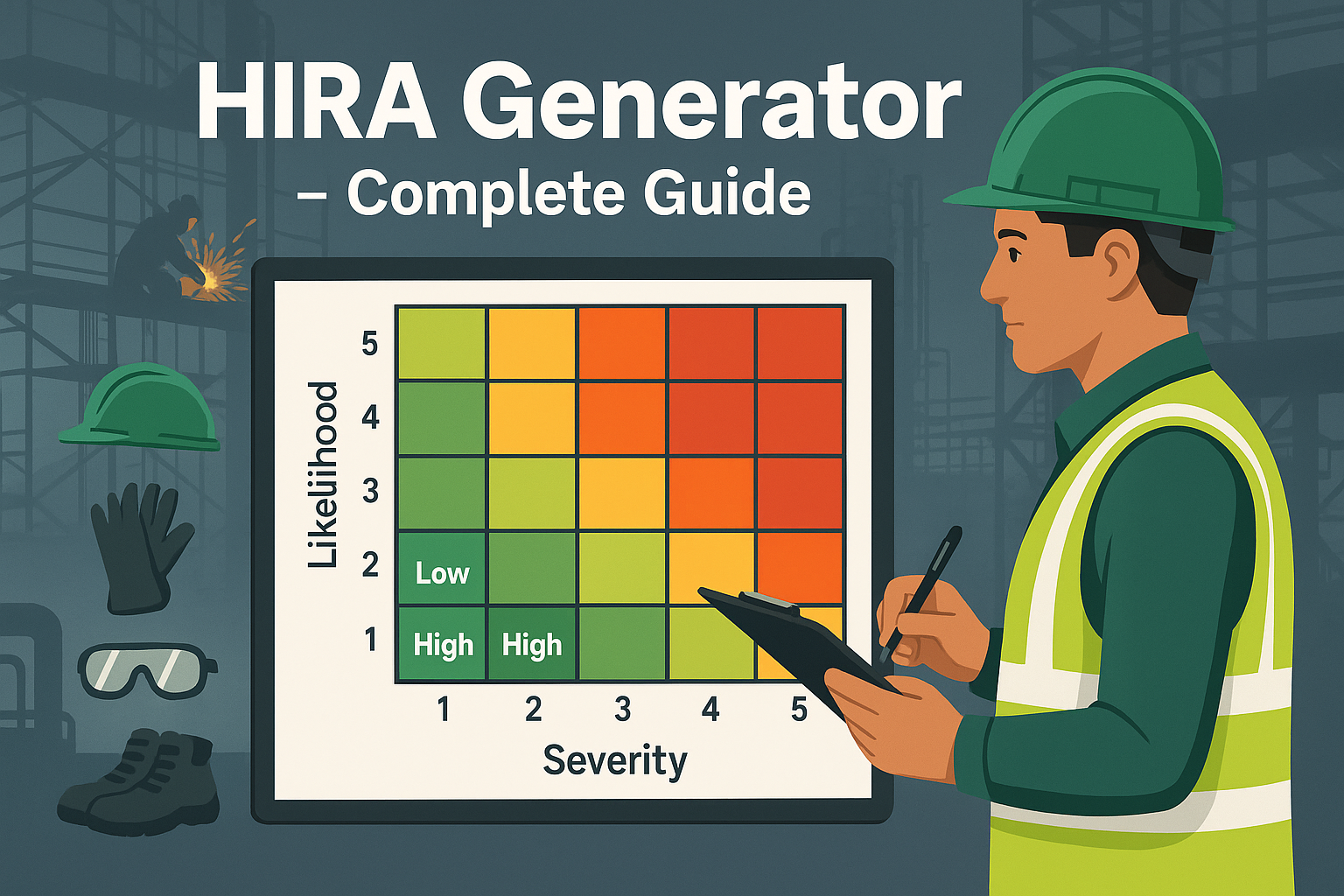
Score = Severity × Likelihood. Adjust ranges if your company matrix differs.
5×5 Heatmap (S × L)
| Task / Step | Hazard | Existing Controls | S | L | Initial Risk | Initial Level | Additional Controls | Residual S | Residual L | Residual Risk | Residual Level | Actions |
|---|
Disclaimer: Matrices vary by company. Confirm with your HSE procedure.
📝 HIRA Generator – Complete Guide
In every industrial or construction project, hazards exist at every step. To manage them effectively, organizations rely on HIRA (Hazard Identification & Risk Assessment) — a systematic process to identify hazards, assess their severity and likelihood, and implement suitable controls.
The HIRA Risk Calculator (5×5 Matrix) is one of the most widely used tools to evaluate risks, classify them (Low/Medium/High/Extreme), and decide whether additional measures are required before work can proceed.
✅ By using a digital HIRA Generator, you can streamline this process, auto-calculate scores, and export a professional PDF for record-keeping.
✅ What Is HIRA (Hazard Identification & Risk Assessment)?
HIRA is a structured process where each task/step is analyzed for potential hazards, and the risk level is determined using:
- Severity (S) → Impact of hazard if it occurs (1–5).
- Likelihood (L) → Probability of occurrence (1–5).
- Risk Rating = S × L.
- Risk Level = Classified as Low, Medium, High, or Extreme.
It ensures hazards are not overlooked and proper controls are planned.
⚠️ Note: HIRA does not replace specialized studies (e.g., HAZOP, JSA) but acts as a practical day-to-day tool.
📋 Key Components of a HIRA
A robust HIRA document typically includes:
- Project Meta Information → Site, activity, location, date, prepared/reviewed/approved by.
- Task Breakdown → Step-wise description of activities.
- Hazard Identification → Potential sources of harm (fall, fire, electrical shock, etc.).
- Existing Controls → PPE, permits, SOPs, barricades, etc.
- Initial Risk Rating → S × L before extra measures.
- Additional Controls → Further measures required (training, equipment, supervision).
- Residual Risk Rating → S × L after controls applied.
- Risk Level Classification → Low, Medium, High, Extreme.
- Summary Chips → Quick count of residual risk levels across tasks.
- Risk Matrix & Heatmap → 5×5 grid for visual interpretation.
🛠 How to Use the HIRA Generator
- Enter Project Meta → Fill site, activity, location, date, and responsible persons.
- Add Tasks/Steps → Each row represents a job step (e.g., “Scaffolding erection”).
- Identify Hazards → E.g., “fall from height”, “falling objects”.
- Select Severity & Likelihood → System auto-calculates initial risk score.
- Add Additional Controls → E.g., “Full body harness”, “Tagline for lifting”.
- Enter Residual S & L → The system recalculates residual risk score & band.
- Check Summary Chips → Counts of Low/Med/High/Extreme risks update live.
- Download PDF Report → Generate a clean, A4-formatted HIRA document with risk bands and signatures.
💡 Pro Tip: Always start with higher severity/likelihood assumptions. Apply controls → recalculate → accept only if residual risk falls within acceptable range.
📊 Example Usage
Example 1 – Scaffolding Work
- Hazard: Fall from height.
- Initial Risk: Severity 5 × Likelihood 4 = 20 (Extreme).
- Controls: Full PPE, double lanyards, scaffold tags, supervision.
- Residual Risk: 5 × 2 = 10 (Medium).
Example 2 – Welding in Confined Space
- Hazard: Fire, fumes, oxygen deficiency.
- Initial Risk: 5 × 5 = 25 (Extreme).
- Controls: Gas testing, permit to work, fire watch, ventilation.
- Residual Risk: 5 × 2 = 10 (Medium).
📌 Why Is HIRA Important?
✔ Ensures hazards are systematically identified before work begins.
✔ Provides a risk-based decision framework (when to stop, when to proceed).
✔ Creates documented proof for compliance (OSHA, ISO 45001, ILO).
✔ Improves workforce awareness and accountability.
✔ Facilitates continuous improvement in risk management.
🏢 Real-World Applications
- Construction Projects → Pre-task planning (lifting, excavation, scaffolding).
- Factories & Manufacturing → Daily job risk analysis (machine maintenance, hot work).
- Oil & Gas → High-risk jobs (confined space, work at height, electrical).
- Logistics & Warehousing → Manual handling, forklift operation, traffic safety.
🔍 Common Mistakes in HIRA
❌ Copy-pasting hazards without site-specific adaptation.
❌ Focusing only on PPE instead of eliminating risks at the source.
❌ Underestimating likelihood (e.g., assuming rare = impossible).
❌ Skipping residual risk reassessment after controls.
📌 Best Practices for Effective HIRA
✔ Use a standard 5×5 risk matrix (customize ranges if company policy differs).
✔ Engage the work crew during hazard identification.
✔ Update HIRA before every critical job or scope change.
✔ Ensure residual risks are at an acceptable level before granting PTW.
✔ Integrate HIRA with JSA, PTW, and Incident Tracking Systems.
❓ FAQ
Q1: How often should HIRA be reviewed?
→ Before each high-risk task or when conditions change.
Q2: Can HIRA replace JSA?
→ No. JSA focuses on step-by-step safe work methods, HIRA is broader risk classification.
Q3: What is the difference between Initial Risk and Residual Risk?
→ Initial Risk = Before controls. Residual Risk = After applying additional controls.
Q4: Is digital HIRA accepted in audits?
→ Yes. A signed PDF/record from a digital tool is fully compliant if procedures are followed.
🎯 Final Thoughts
The HIRA Generator (5×5 Matrix) transforms risk assessment from a tedious paper exercise into a dynamic, interactive, and professional tool.
By using this generator, you can:
✔ Auto-calculate risk scores instantly.
✔ Visualize risks in a heatmap.
✔ Summarize Low/Medium/High/Extreme risks.
✔ Export clean, professional A4 PDFs for compliance.
💡 Pro Tip: Always link your HIRA with PTW (Permit to Work) and JSA for a complete HSE Risk Management System.
👉 [Explore All Tools Here]
👉 [Open HIRA Generator]
👉 [Open JSA Generator]
External Links (authoritative references):